You cannot re-check five competitor websites every week, and you do not have to. Free monitors will watch their pages for you and email a diff the moment something changes.
Ten minutes of setup buys permanent coverage. Here is exactly what to watch, which free tools to use, and how to avoid drowning in alerts.
What to watch, and what each page reveals
The mistake is monitoring everything. A competitor's site has four or five pages where strategy actually surfaces.
| Watch | Because changes reveal |
|---|---|
| Pricing page | Repositioning, new tiers, promotions, margin pressure |
| Homepage headline | Messaging pivots and new target audiences |
| Product or features page | Launches and quiet deprecations |
| Careers page | Where they are investing next, months early |
| Sitemap (/sitemap.xml) | Every new page they publish, including quiet ones |
The sitemap trick deserves a highlight: monitoring a rival's sitemap file catches every page they add anywhere on the site, including the landing pages and content hubs they never announce.
Step 1: put Visualping on the money pages
Visualping checks a page on a schedule, compares it with the last version and emails you a highlighted diff. The free plan covers about 150 checks a month.
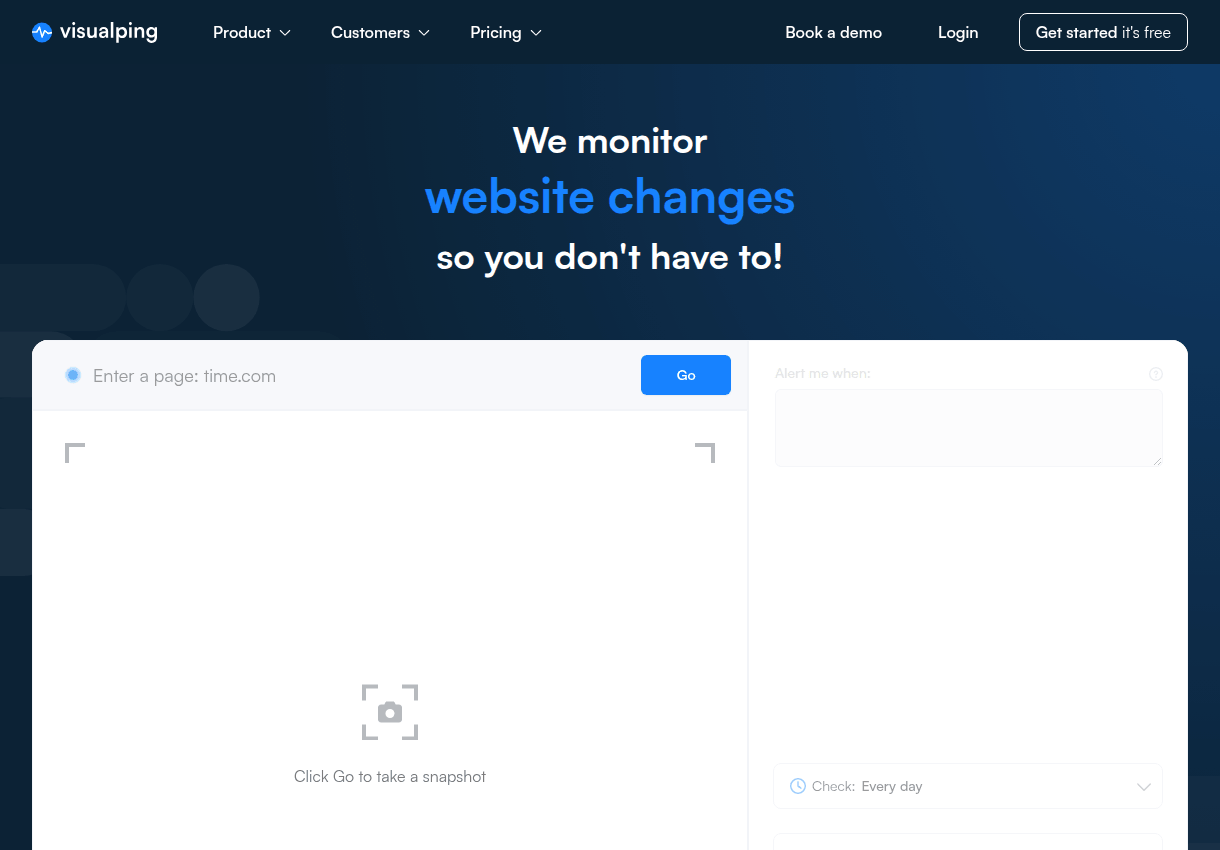
Budget those checks deliberately: daily checks on two pricing pages spend about 60, leaving room for weekly checks on homepages and feature pages across several rivals.
Alternatives worth knowing: Distill.io runs monitors inside your own browser free, and the open-source changedetection.io is unlimited if you self-host it.
Step 2: put Google Alerts on the names
Page monitors miss everything that happens off the rival's site. Google Alerts fills that half: mentions in press, reviews, forums and blogs as Google discovers them.
Create one alert per competitor brand name, plus one for their flagship product name. Set delivery to a daily or weekly digest rather than as-it-happens, which protects your attention.
Step 3: subscribe to what they publish
Most company blogs still expose an RSS feed at /feed or /rss. Drop your rivals' feeds into a reader like Feedly and their content strategy reports itself to you.
No feed? The sitemap monitor from step 1 catches new posts anyway. Between the two, nothing they publish ships silently.
Step 4: read the past with the Wayback Machine
Monitoring starts today, but the Wayback Machine has been monitoring for years. Its snapshots show you any established page's history: old pricing, old positioning, old feature lists.
Walk a rival's pricing page back two years and you can reconstruct their entire pricing strategy, tier by tier, price hike by price hike. Pair it with their technology history and you have a timeline of every strategic move they made.
Avoiding alert fatigue
The failure mode of monitoring is not missing changes. It is ignoring your own alerts after week three.
The Monday review is the whole system: skim the week's diffs, note anything strategic, done. Most weeks nothing happened, and knowing that is also intelligence.
The one-line takeaway: monitor five pages per rival with Visualping, their brand names with Google Alerts, their sitemap for new pages, and read it all in one weekly ten-minute review. Strategy changes will never surprise you again.