Every ad your competitor runs on Meta, Google, LinkedIn or TikTok is published in a public library, searchable by company name, free. Most businesses still have no idea.
Here are the four libraries worth bookmarking, plus the analyst's trick: reading which ads they keep paying for.
The four ad libraries
| Library | Covers | Best for |
|---|---|---|
| Meta Ad Library | Facebook, Instagram | Consumer brands, e-commerce |
| Google Ads Transparency Center | Search, YouTube, Display | Search-driven businesses |
| LinkedIn Ad Library | B2B and hiring plays | |
| TikTok Creative Center | TikTok top ads | Creative trends, younger audiences |
Meta Ad Library: the deepest one
The Meta Ad Library shows every ad currently active across Facebook and Instagram for any advertiser. Search the company name and read their whole paid presence.
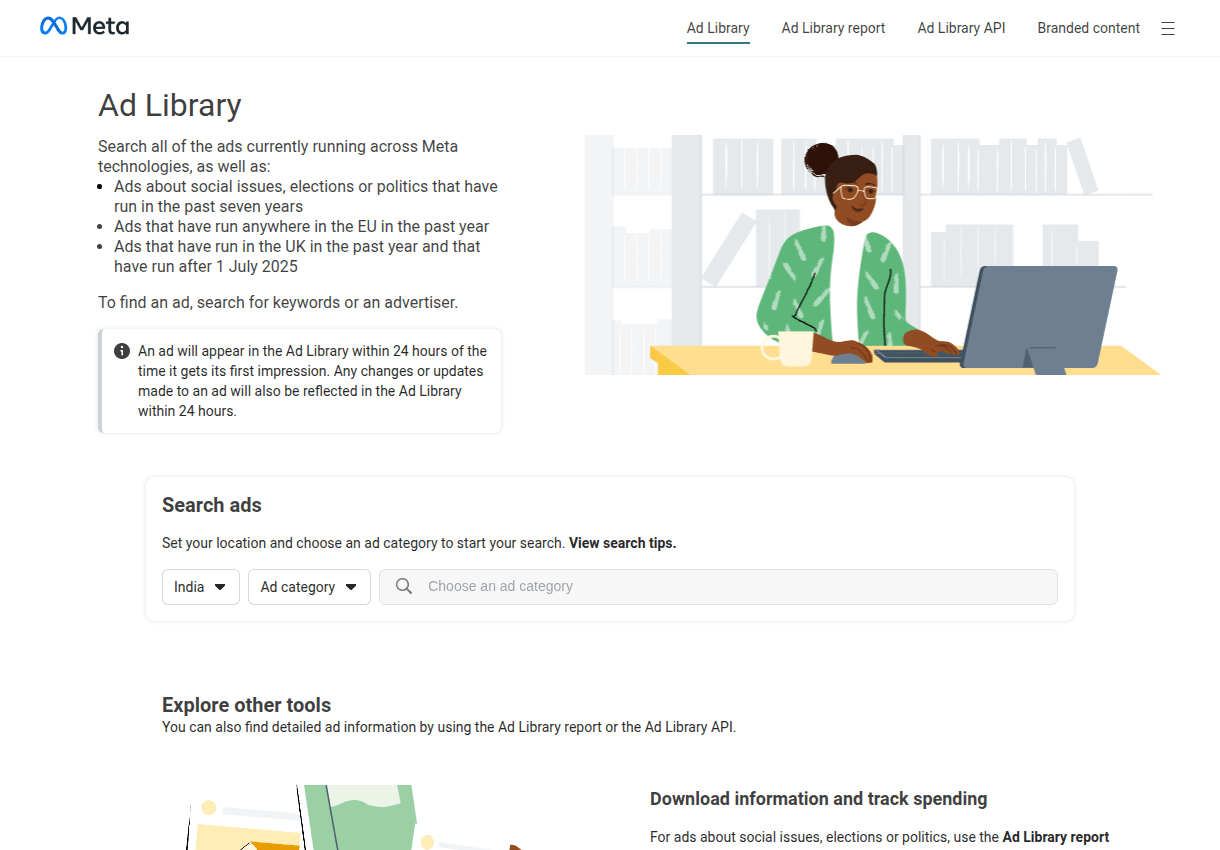
Each ad shows its start date, the platforms it runs on and every creative variant. The start date is the number to read first, for reasons below.
Google's Ads Transparency Center
Google publishes the same window into search and video advertising. The Ads Transparency Center lists ads by any verified advertiser across Search, YouTube and Display.
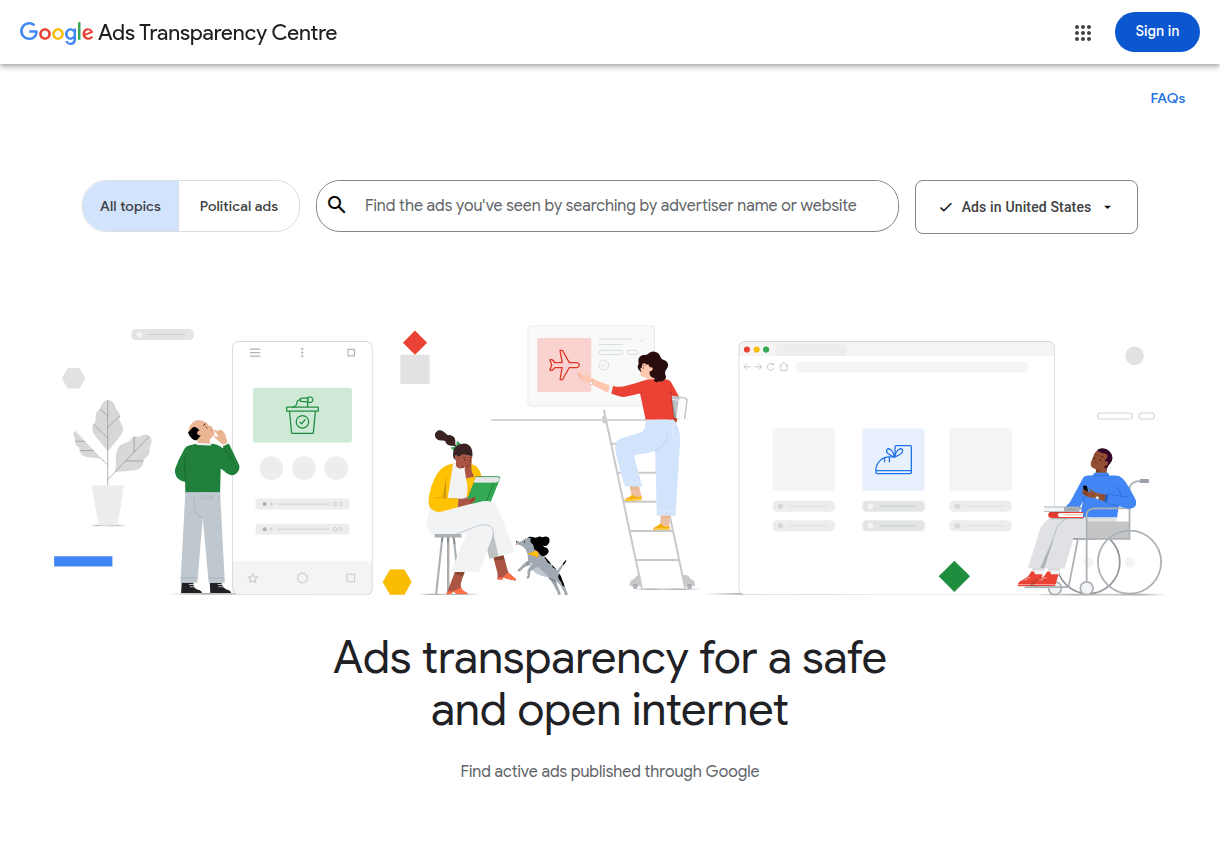
For search specifically, pair it with a Semrush free account: about 10 lookups a day showing which keywords a rival buys and the ad copy they have used, which adds the keyword dimension the transparency center lacks.
LinkedIn and TikTok
The LinkedIn Ad Library is the B2B goldmine: search any company and read their sponsored content, which tells you exactly which product line and persona they are pushing this quarter.
TikTok's Creative Center works differently: it showcases top-performing ads by region and industry. Less good for stalking one rival, excellent for seeing what creative styles are winning a niche.
How to read ads like a strategist
The libraries give you raw creative. The intelligence comes from three readings.
The first reading matters most. Organic content can coast on rankings, but every ad impression costs cash, so a long-running ad is a verified winner.
Steal the lesson, not the copy: whatever pain point their oldest ad hammers is the pain point their customers actually buy on.
Make it a habit, not a binge
Ad libraries have no alerts, so put a quarterly reminder on the calendar: twenty minutes, all four libraries, screenshots into a folder per rival.
Those screenshots become your own historical archive, the thing the libraries refuse to keep for you. Six months of them, next to your page-change monitoring, reads like the rival's internal marketing review.
And when their ads point at landing pages you have never seen, feed those URLs into your content teardown. Paid landing pages are where companies say the quiet part with budget.
The one-line takeaway: Meta, Google, LinkedIn and TikTok all publish every active ad, free. Read start dates for what converts, variants for what they are testing, and message shifts for where they are headed.