A company's website is the press release. Its infrastructure is the org chart: subdomains reveal products, DNS records reveal vendors, and hosting reveals scale, all from public records.
Here is how to read a rival's plumbing in twenty minutes, and the ethics line you never cross while doing it.
What subdomains give away
Every subdomain exists because someone needed it. That makes the list a map of activities.
| Seeing | Usually means |
|---|---|
| app. or dashboard. | A real SaaS product with logged-in users |
| docs. or developers. | An API and a developer audience |
| status. | Operational maturity: enough customers to owe them uptime news |
| shop. or store. | A commerce arm beside the main business |
| de., fr., mx. and friends | International expansion, market by market |
| careers. or jobs. | Hiring at platform scale |
| staging. or dev. exposed | Sloppy operations, and sometimes unreleased features |
The last row comes with the ethics rule attached: noticing an exposed staging site is intel, poking at it is trespass. Note it exists, move on.
Step 1: enumerate the subdomains
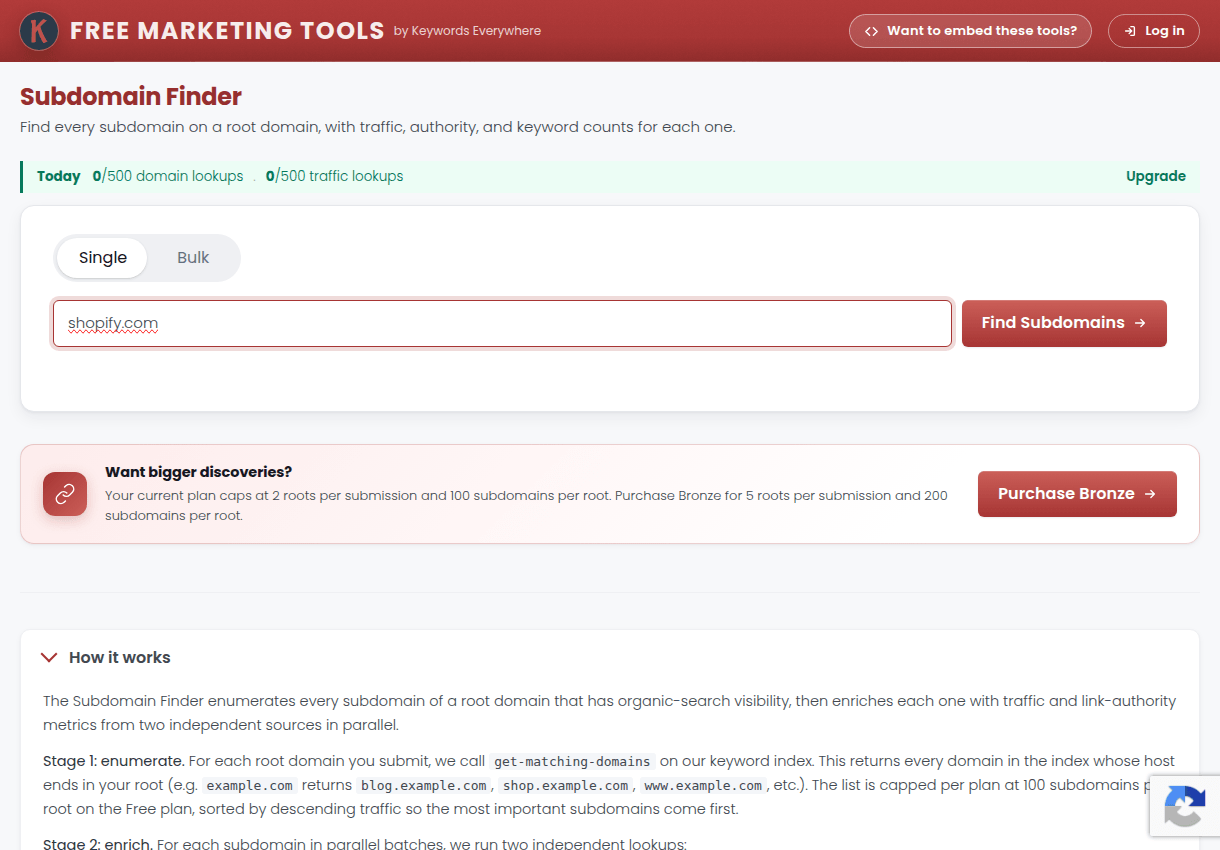
The Subdomain Finder from the Keywords Everywhere team lists a domain's discovered subdomains free: type the domain, read the map.
For the deep sweep, add certificate transparency logs: every TLS certificate ever issued for the domain is publicly logged, and searching crt.sh for %.rival.com surfaces subdomains no crawler found, including retired and regional ones.
Compare the two lists. Certificates for products that no longer resolve are discontinued experiments, which is its own kind of roadmap history.
Step 2: read the DNS records
DNS is a public vendor ledger. Three record types do most of the talking, and a lookup tool like MXToolbox reads them without a terminal.
MX records name the email host. TXT records, especially SPF, list every platform authorized to send as them: marketing tools, support desks, billing systems. CNAME records on subdomains name vendors directly, like a help. subdomain pointing at a support platform.
This complements the frontend stack read perfectly: profilers see what loads in the browser, DNS sees the services behind the curtain.
Step 3: place the hosting and CDN
Where the site physically lives signals scale and budget. The A records and response headers place it: big CDNs in front mean performance budgets, single-region VPS hosting means a small operation, cloud provider ranges mean an engineering team.
Watch for changes over time, because a rival moving from shared hosting to a major cloud just before a funding announcement is a pattern you will learn to recognize. Migrations tell the story at the infrastructure layer too.
Assembling the picture
Twenty minutes of public records, combined, answers questions their marketing never will.
A rival with app., docs., status., a Zendesk SPF include and cloud hosting is a funded product company. The same brand with only www., shared hosting and a Mailchimp include is two founders and a newsletter, however loud their homepage talks.
File what you find next to their keyword gap and content teardown, and recheck twice a year. Infrastructure moves slowly, which makes its changes all the more deliberate.
The ethics line, stated plainly
Everything above reads public records: DNS answers, certificate logs, response headers. That is looking.
Scanning ports, guessing credentials, probing staging systems or automating aggressive enumeration against their servers is touching. It is somewhere between rude and illegal, and nothing in competitor analysis is worth it.
The one-line takeaway: subdomains map a rival's products, SPF records list their vendors, hosting reveals their scale. All public, all readable in twenty minutes, all look-but-never-touch.